@Chris_Woods, @jrcwest, @jbobrow
Evening guys.
I’ve come up with a workaround that will work on a machine with no COM ports:
- On the Arduino IDE menu, navigate to File -> Preferences (or hit [Ctrl] Comma)
- The Preferences dialog will appear and, near the bottom of that dialog, it will show you the full path to the preferences.txt file itself.
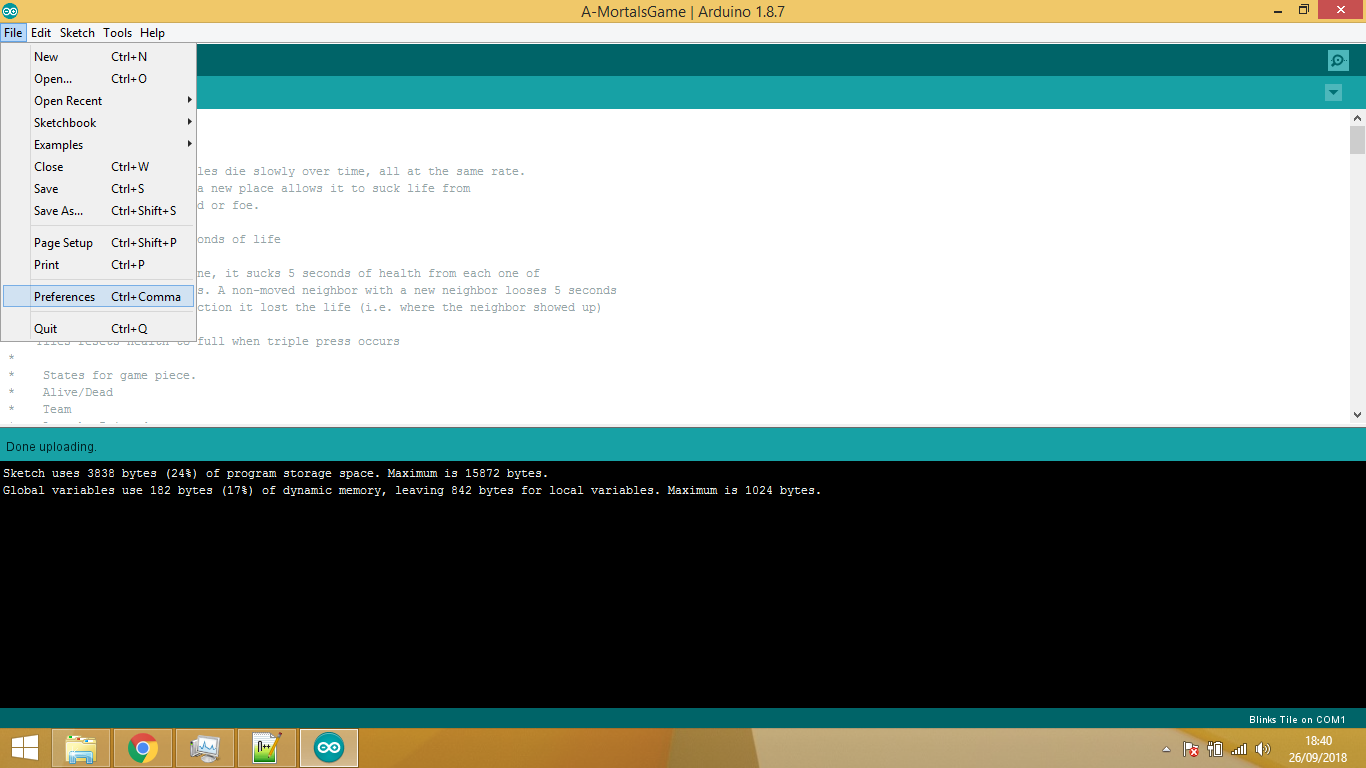

- Click on the full path to the preferences.txt file and the Arduino IDE will open a file browser window showing you preferences.txt
- IMPORTANT: Shut down the Arduino IDE app now.
- Open the preferences.txt file in your favourite text editor, and edit it as follows:
— Set the value of the serial.port setting to COM1
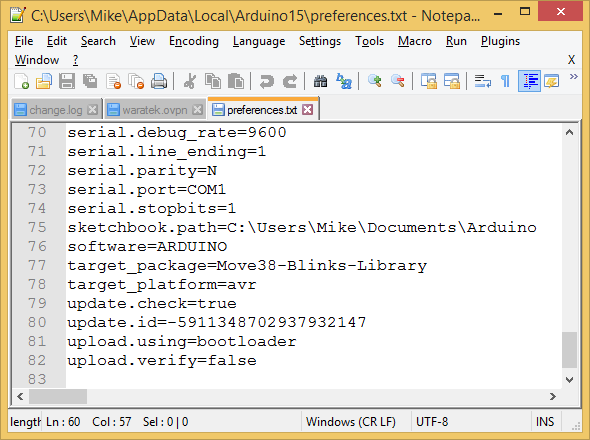
- Save the changes and exit from your text editor.
- Restart the Arduino IDE and try an upload to your Blink tile. It should work with no errors.
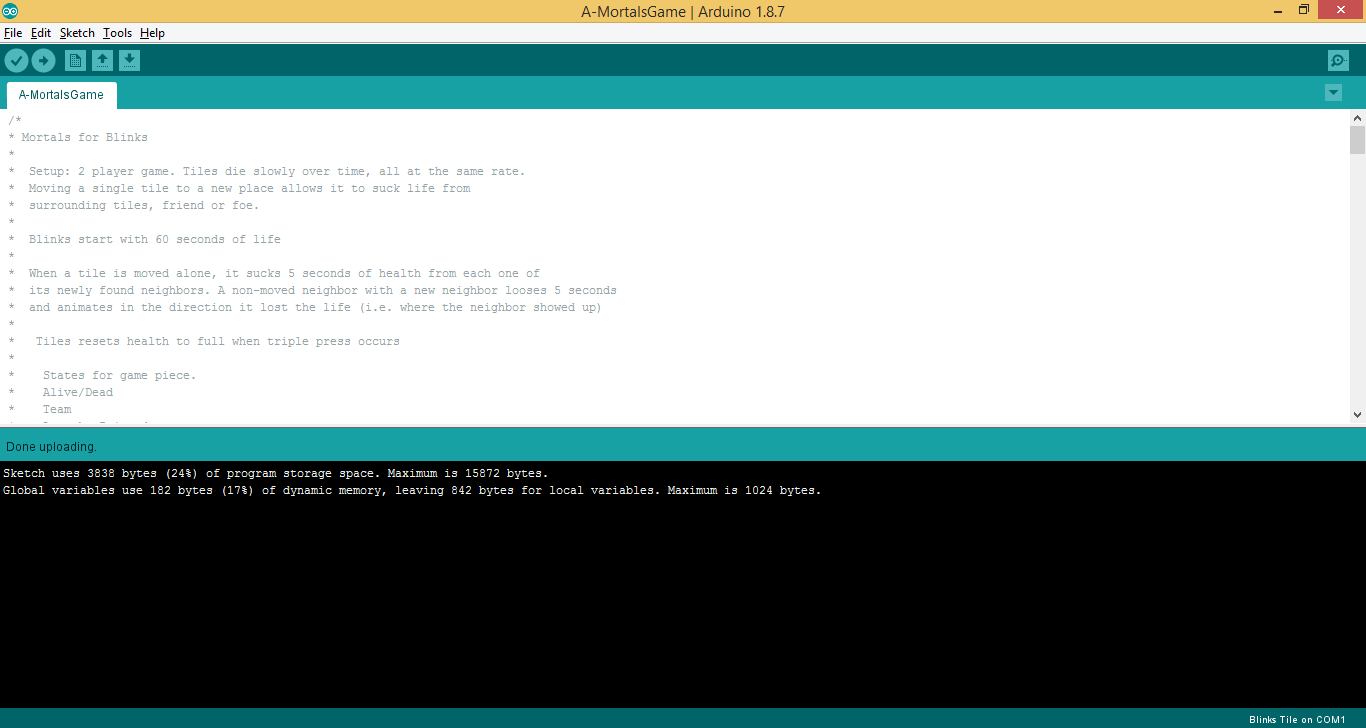
Let us know how you get on!