First of all, welcome @Chris_Woods!! Sounds like you are up and running.
Let’s figure out how to get your Window’s tablet programming Blinks happily. You have exactly the right intuition, which is that the Blinks don’t use the serial port to program the Blinks, so selecting a port in the Arduino IDE is only needed when using the Serial Port Adapter for Blinks, not for the act of programming.
It is a little odd that Arduino will stop you from compiling without a port selected, since there are plenty of reasons you might want to compile without a board even attached. If you can provide a screenshot of the situation, that always seems to help, I’d love to get you up and running on your regular machine asap.
One other small note:
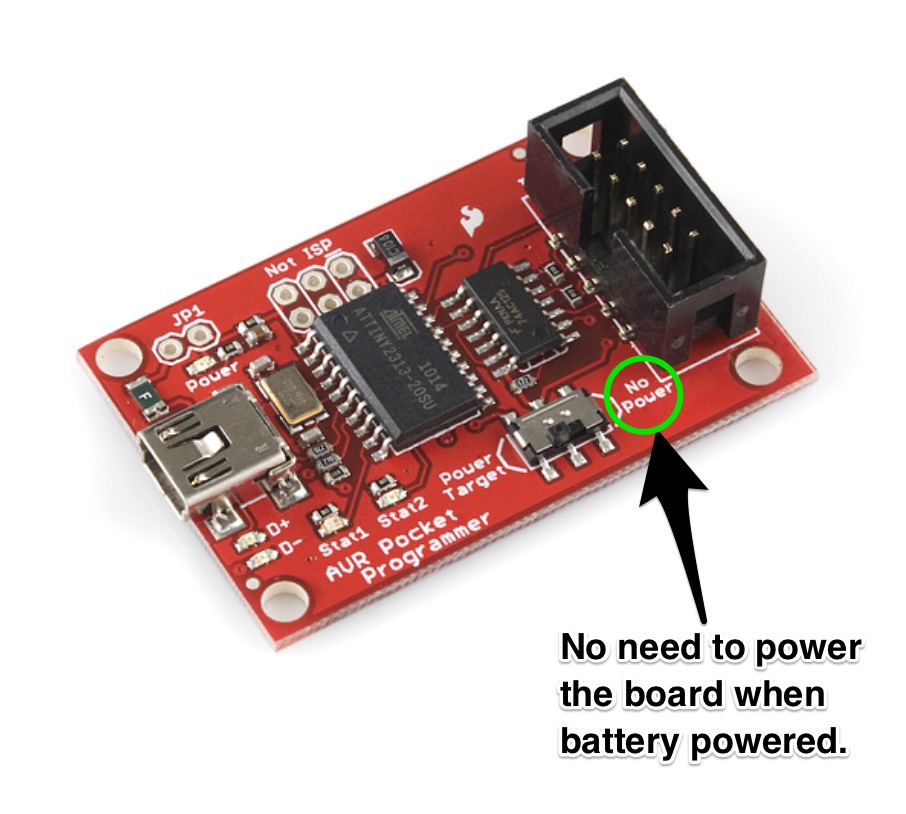
I love this bright red glow as well, but a quick tip (and something I should add to the quickstart guide) is that there is a little switch on the programmer that allows for you to power the board or not provide power. When the Blinks have their batteries in (i.e. almost all of the time) there is no need to power it while programming.